


You can connect the USB-C to HDMI multiport adapter from LogiLink to your MacBook with the USB-C and to an HDMI display via HDMI connection. You can also connect a USB-C port or USB 3.0 device for charging. With this adapter, you can transfer your MacBook or Chrome display to your HDMI-enabled TV in up to 60 Hz to 1080p HD. Simply plug the adapter into the USB-C port on your MacBook or Chromebook and then connect it to your TV or projector using an HDMI cable (not included). Use standard USB port devices such as a flash drive, camera, or USB cable to sync and charge your smartphone. It supports both video and audio output. You can also connect a charging cable to the USB-C or USB 3.0 port.
Input: 1x USB-C male, 1x USB-C female for charging (USB 3.2 Gen1x1)
Output: 1x HDMI female, 1x USB A female
Video output resolution: Up to 1080p (60 Hz)
USB-A female: Up to 5W (5V/1A)
USB-C charging port: USB PD profile 4, up to 60W (20V/3A)
Dimension: 59 x 40 x 14 mm
Weight: 30g
Cable length: 0.14m

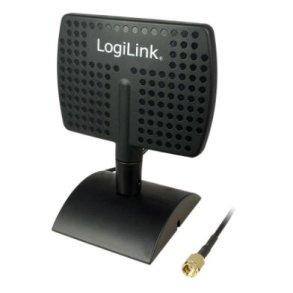
2.4GHz Indoor Directional Antenna, 7dBi, Panel
WL0091
69,00 DKK


3.5" HDD protection cabinet for 5 HDDs
LOGILINKUA0194
429,00 DKK